

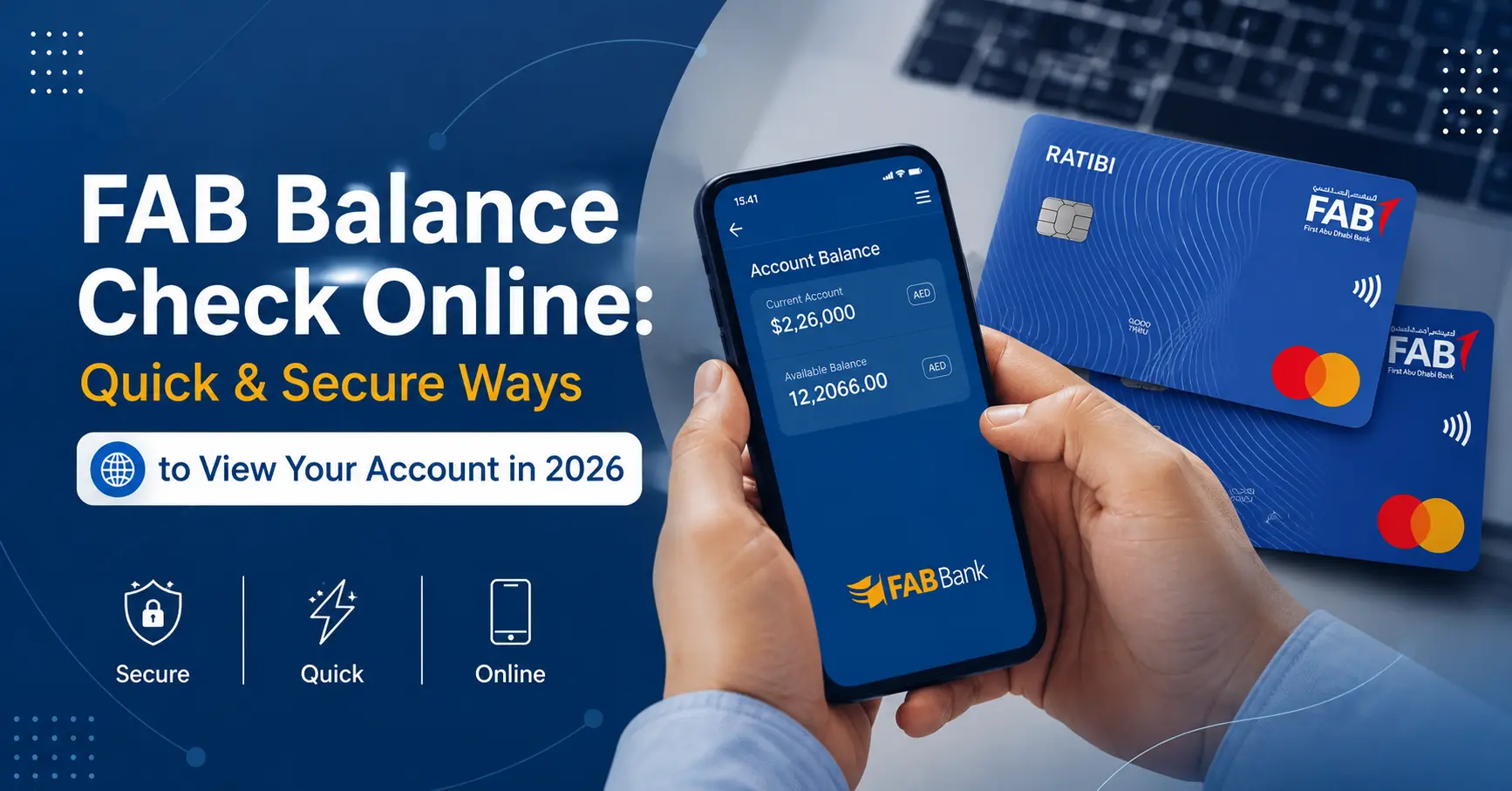
FAB Balance Check Online: Quick & Secure Ways to View Your Account in 2026
FAB balance check online is a free service that lets you view your First Abu Dhabi Bank account balance anytime through mobile apps, online banking, ATMs, or SMS. According to the UAE Central Bank, over 78% of banking customers in the UAE now use digital channels to manage their accounts daily. For Gulf Emirates readers, knowing how to check your FAB balance quickly means better control over your spending, faster decisions, and no surprises at the checkout. This guide covers every method available in 2026, from the FAB mobile app to ATM withdrawals, plus troubleshooting tips when things don’t work.
What is FAB Balance Check?
First Abu Dhabi Bank balance check is a simple way to see how much money is available in your account. It helps you keep track of your spending and manage your finances easily.
FAB gives you different ways to check your account balance anytime and anywhere. You can use online banking, the FAB mobile app, ATMs, or visit a branch. These options make it quick and convenient to stay updated on your account balance.
What Are the Fastest Ways to Check Your FAB Balance Online?
You can check your FAB balance instantly using the FAB mobile app, FABx online banking portal, FAB ATMs, SMS banking, or by calling customer service at 600 525 500. Each method takes under two minutes, and most are free. The FAB mobile app is the fastest option for real-time updates, while ATMs work best when you need a printed statement.
How to Check FAB Balance Using the FAB Mobile App
The FAB mobile app gives you 24/7 access to your account balance on iOS and Android devices. Download it from the App Store or Google Play, then register using your account number and mobile number linked to your FAB account. Once logged in, your balance appears on the home screen immediately.
Steps to Check Balance on FAB Mobile App
- Open the FAB mobile app and log in with your username and password
- Enable biometric login (fingerprint or face ID) for faster access
- View your account balance on the dashboard
- Tap any account to see recent transactions and available funds
- Set up balance alerts under Settings to get notifications when your balance drops below a chosen amount
The app also shows pending transactions, credit card balances, and loan details. You’ll see your salary credit within seconds of deposit, making it ideal for FAB salary account holders.
Can You Check FAB Balance Through Online Banking?
Yes, log in to FABx online banking at www.fab.ae to view all your account balances, transaction history, and statements from any web browser. This method works on desktops, laptops, and tablets. You need your customer ID and password to access the portal.
FABx Online Banking Balance Check Process
- Visit the official FAB website and click “Login” in the top right corner
- Enter your customer ID and secure password
- Complete two-factor authentication using the OTP sent to your registered mobile
- Your account summary loads automatically, showing balances for all linked accounts
- Click “Accounts” in the menu to see detailed breakdowns by account type
Online banking also lets you download statements in PDF format, schedule transfers, and pay bills directly. The interface updates every few seconds, so you always see the latest balance.
How Does FAB ATM Balance Check Work?
Insert your FAB debit card into any FAB ATM, enter your PIN, and select “Balance Inquiry” from the menu. Your current balance appears on screen within three seconds. You can choose to print a mini-statement or just view the balance without printing.
Finding FAB ATMs Near You
FAB operates over 300 ATMs across the UAE. Use the ATM locator feature in the FAB mobile app to find the nearest machine. Most shopping malls, airports, and metro stations have FAB ATMs available 24/7.
Pro Tip: Non-FAB ATMs may charge AED 2-3 for balance inquiries. Always use FAB-branded ATMs to avoid unnecessary fees.
What Is FAB SMS Banking for Balance Check?
SMS banking lets you check your FAB balance by sending a text message to 4722 with the keyword “BAL” followed by your account number’s last four digits. You’ll receive an instant reply showing your available balance. This service works even without internet access.
Activating FAB SMS Banking
Visit any FAB branch with your Emirates ID and complete the SMS banking registration form. The bank links your mobile number to your account and activates the service within 24 hours. There’s no monthly fee, but standard SMS charges from your telecom provider apply.
How to Check FAB Salary Account Balance Online
FAB salary accounts, often called Ratibi accounts, use the same balance check methods as regular savings accounts. Log in to the FAB app, use online banking, or visit an ATM. Your salary typically credits between 12:00 AM and 6:00 AM on payday, and you’ll see it reflected immediately in your available balance.
Benefits of FAB Salary Account Balance Alerts
- Get SMS or push notifications when your salary is credited
- Set low balance alerts to avoid overdraft fees
- Track monthly spending patterns using the app’s analytics feature
- Link your account to budgeting tools for automatic expense categorization
Can You Check FAB Prepaid Card Balance Online?
Yes, log in to the FAB mobile app or online banking portal to view your prepaid card balance in real time. FAB prepaid cards appear as separate accounts in your dashboard. You can also check by calling customer service or visiting a branch.
| Balance Check Method | Time Required | Cost | Internet Needed |
| FAB Mobile App | 30 seconds | Free | Yes |
| Online Banking | 1 minute | Free | Yes |
| FAB ATM | 2 minutes | Free | No |
| SMS Banking | 1 minute | Standard SMS rate | No |
| Customer Service Call | 5 minutes | Free from UAE numbers | No |
What Should You Do If Your FAB Balance Doesn’t Update?
Force close the FAB app and reopen it. Clear your browser cache if using online banking. Wait 15 minutes after a transaction before checking, as some payments take time to process. If the balance still seems wrong, call FAB customer service at 600 525 500 immediately.
Common FAB Balance Check Errors and Fixes
- Login Failed: Reset your password using the “Forgot Password” link or visit a branch with your Emirates ID
- Account Not Showing: Ensure the account is activated and linked to your online banking profile
- Pending Transactions: Check the “Pending” tab in the app to see holds or processing payments
- ATM Card Blocked: Enter the wrong PIN three times and your card locks for 24 hours; call customer service to unblock
How to Enable FAB Balance Notifications
Open the FAB mobile app, go to Settings, and tap Notifications. Toggle on balance alerts and choose your threshold amount. You’ll get instant push notifications when your balance drops below that level. You can also enable SMS alerts through online banking under “Preferences.”
Is FAB Online Balance Check Safe?
Yes, FAB uses 256-bit SSL encryption, two-factor authentication, and biometric security to protect your account information during online balance checks. Never share your password or OTP codes with anyone. Log out after each session and avoid using public Wi-Fi for banking.
How Often Should You Check Your FAB Balance?
Check your balance at least twice a week to catch unauthorized transactions early. Daily checks help if you’re managing a tight budget or expecting salary deposits. The FAB app makes it easy to glance at your balance in seconds without logging in fully using the quick balance feature.
Benefits of Regular Balance Monitoring
- Spot fraudulent charges within hours instead of days
- Avoid overdraft fees by knowing your exact available funds
- Plan large purchases without risking declined transactions
- Track bill payments and recurring subscriptions automatically
Pro Tip: Link your FAB account to expense tracking apps like Money Manager or Spendee for automated budget alerts and spending reports.
What Other Services Can You Access During FAB Balance Check Online?
While checking your balance on the FAB app or online banking, you can transfer money between accounts, pay utility bills, recharge mobile credit, apply for loans, order cheque books, and download account statements. All services are available 24/7 without visiting a branch.
How to Check FAB Credit Card Balance Online
Log in to the FAB mobile app or online banking and navigate to the “Cards” section. Your credit card balance, available credit, and payment due date appear instantly. You can also view recent transactions and set up automatic payments to avoid late fees.
Does FAB Charge Fees for Balance Inquiries?
No, FAB does not charge fees for checking your balance through the mobile app, online banking, FAB ATMs, or SMS banking. However, using non-FAB ATMs may result in small transaction fees from other banks. Always check the fee disclosure on the ATM screen before proceeding.
Frequently Asked Questions
Can I check my FAB balance without the internet?
Yes, use SMS banking or visit any FAB ATM to check your balance without an internet connection. Both methods provide instant balance information.
How long does the FAB salary take to reflect in my balance?
Most salaries credit to FAB accounts between midnight and 6:00 AM on payday. Check your balance after 7:00 AM to see the deposit.
What do I do if my FAB app won’t show my balance?
Uninstall and reinstall the app, ensure you have the latest version, and check your internet connection. If problems persist, call 600 525 500 for support.
Can I check someone else’s FAB balance?
No, you can only check balances for accounts registered under your name and customer ID. FAB requires authentication for all balance inquiries.
Does FAB send balance confirmation after every transaction?
Yes, if you enable transaction alerts in the app settings, FAB sends SMS or push notifications after every debit and credit to your account.
How do I download my FAB account statement?
Log in to online banking, go to “Accounts,” select your account, and click “Download Statement.” Choose your date range and format (PDF or Excel).
Can I check my FAB balance check online from abroad?
Yes, the FAB mobile app and online banking work globally as long as you have internet access. SMS banking may not work outside the UAE depending on roaming settings.
What is the FAB customer service number for balance inquiries?
Call 600 525 500 from within the UAE or +971 2 6110 600 from outside the country for 24/7 customer support.