


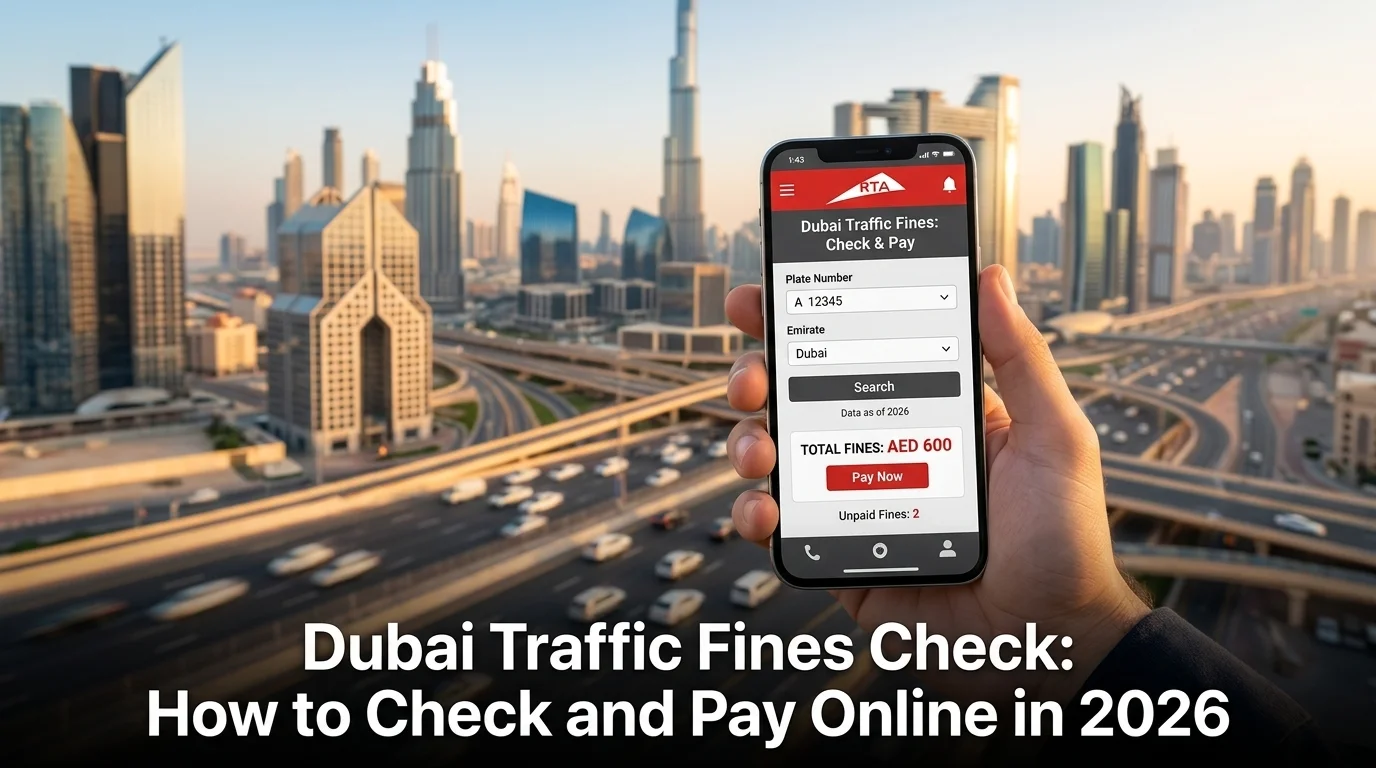
Dubai Traffic Fines Check: How to Check and Pay Online in 2026
Running a Dubai traffic fines check takes less than five minutes once you know which official channel to use, and you can do it without visiting a police station or standing in a queue. Whether a speed camera caught you on Sheikh Zayed Road, your parking session expired early, or you simply want a clean record before renewing your vehicle registration, this guide walks through every verified way to check dubai traffic fines online, understand what the fine actually means, and pay or dispute it in the same session.
This guide is built for residents, new drivers, and visitors who want a single, accurate reference rather than piecing information together from several outdated blog posts. If you also need the full picture on disputes, black points, and bank installment plans, our companion RTA Fine Check guide covers those in depth. If you split your time between Dubai and the capital, our Abu Dhabi Traffic Fine Check guide is the equivalent resource for that emirate.
Why a Dubai Traffic Fines Check Matters
Most violations in Dubai are recorded by fixed and mobile radar, Salik toll cameras, or Parkin parking sensors rather than handed to you on the spot. That means fines can build up quietly, and checking regularly protects you in a few concrete ways:
- Vehicle registration renewal. Outstanding fines block your Mulkiya renewal until they are cleared.
- Driving licence renewal. Unresolved fines and black points can hold up a licence renewal too.
- Early payment discounts. Dubai periodically offers a discount, often around 35 percent, for fines settled within 60 days, excluding serious offences.
- Black points. Reaching 24 points within 12 months can suspend your licence.
- Rental cars. If you drive a rented vehicle, unpaid fines are usually billed back to you with an added admin fee.
If you’re new to driving in the emirate, our Dubai section has more on local road rules, neighbourhoods, and enforcement zones that vary across the city.
What You Need Before You Check
Having one of these ready speeds up the search considerably:
- Vehicle plate number, including the emirate code and plate category (private, commercial, taxi, etc.)
- Emirates ID number, useful if you own more than one vehicle
- Driving licence number
- Traffic file number, found on your Mulkiya
- Fine reference number, the code printed on an SMS or physical violation notice
No supporting documents are needed for a basic inquiry. You only need evidence if you plan to dispute a fine afterward.
How to Check Dubai Traffic Fines Online: 6 Official Methods
1. RTA Website and UMS Portal (Dubai RTA Traffic Fines Check)
The Roads and Transport Authority now runs most of its fine lookups through its Unified Mobility System, alongside the main RTA site.
- Go to the official RTA Fines Inquiry and Payment page.
- Choose your search type: plate number, Emirates ID, driving licence, or traffic file number.
- For a plate-based search, enter the plate source (emirate), category, and number exactly as shown on your registration card.
- Complete the security verification and click Search.
- Review each fine’s date, location, amount, and black points, then pay by card if you choose to settle immediately.
This is the go-to route for a dubai traffic fine check by plate number and covers both traffic and parking penalties issued under RTA.
2. Dubai Police Website and App (Dubai Police Traffic Fine Check)
Many radar-detected violations are issued directly by Dubai Police rather than RTA, so it’s worth checking this portal separately.
- Visit the Dubai Police website or open the app.
- Go to Traffic Services, then Fines Inquiry and Payment.
- Enter your plate number, traffic file number, Emirates ID, or fine number.
- Search to view the fine list, including photo evidence for camera-detected violations.
- Select a fine to pay, or save the details if you plan to dispute it.
3. Ministry of Interior (MOI) Website
The federal MOI portal offers a nationwide fines service that also picks up Dubai-issued penalties.
- Visit the official MOI UAE website.
- Select Traffic Fine, then Access Fine.
- Enter your plate number, traffic file number, or fine number.
- Search to view results, then pay by card if needed.
4. Emirates Vehicle Gate (EVG)
EVG consolidates fines across all seven emirates, which is handy if you drive between Dubai and neighbouring emirates.
- Go to the EVG website and log in, or register as a new user with your traffic file number.
- Select Pay Traffic Fines under Vehicles.
- Search by traffic code number, plate number, or file number.
- Review and pay any outstanding fines.
5. RTA Dubai App and DubaiNow App
Both apps mirror the website’s functionality and are convenient for a quick check on the move.
- Download the app from the App Store or Google Play.
- Sign in with UAE Pass or continue as a guest for a basic inquiry.
- Open Fines Inquiry and Payment.
- Enter your plate or Emirates ID details and view the results.
- Turn on push notifications so new fines reach you as soon as they’re issued.
6. SMS and Smart Kiosks
For an offline option, RTA Smart Kiosks are located at Dubai Mall, Mall of the Emirates, Union Metro Station, and RTA Customer Happiness Centres. Select Traffic Fines Inquiry on the touchscreen, enter your details, and pay by card with a receipt printed on the spot.
Comparison Table: Where to Check Traffic Fines in Dubai
| Method | Login Required | Best For | Speed |
| RTA website/UMS portal | Not always | Plate number or Emirates ID search | Fastest |
| Dubai Police website/app | Not always | Camera-detected fines with photo evidence | Fast |
| MOI website | Yes (UAE Pass) | Federal-level overview | Moderate |
| Emirates Vehicle Gate | Yes (account) | Cross-emirate fine checks | Moderate |
| RTA Dubai / DubaiNow app | Optional | Checking on the go | Fast |
| Smart Kiosks | No | In-person, no internet needed | Moderate |
Dubai Traffic Fine Check by Plate Number
If a plate number is all you have, you can still run a full search without creating an account:
- Open the RTA Fines Inquiry and Payment page or the Dubai Police portal.
- Select Plate Number as the search type.
- Choose the correct emirate code and plate category (private, commercial, taxi, or public transport).
- Enter the plate number exactly as it appears on the registration card.
- Submit to view every fine tied to that vehicle.
This plate-based lookup is particularly useful for fleet managers, or for checking a fine on behalf of a family member without needing their personal login.
Dubai Traffic Fine Check by Emirates ID
Searching by Emirates ID pulls up every fine linked to your name, which matters if you own more than one vehicle or want to see public transport fines alongside vehicle ones.
- Open the RTA or Dubai Police fines inquiry page.
- Select the Emirates ID search option.
- Enter the number carefully, since a single digit error returns no results.
- Complete the verification step and search.
- Review every fine linked to your ID, both vehicle-related and, where applicable, Metro or bus related.
How to Check Paid Traffic Fines in Dubai
If you want to confirm a fine you already settled, most platforms keep a payment history:
- Log in to the RTA website or app using the same details or UAE Pass account used to pay.
- Look for a Payment History or Transaction History section.
- Select the relevant date range to view settled fines and download the receipt if needed.
Keeping a copy of each receipt is worth the extra minute, since occasional processing delays mean it can take a day or two for a paid fine to disappear from the outstanding list, even though the payment itself went through.
Understanding Your Fine Details
Once your search returns results, you’ll typically see:
- Violation type, such as speeding, mobile phone use, or a parking zone breach
- Date, time, and location of the recorded offence
- Fine amount in AED
- Black points, where applicable
- Vehicle impoundment status, for more serious offences
For a full breakdown of fine categories, black point thresholds, dispute steps, and bank instalment options, our RTA Fine Check guide covers each of these in detail so this page can stay focused on the checking process itself.
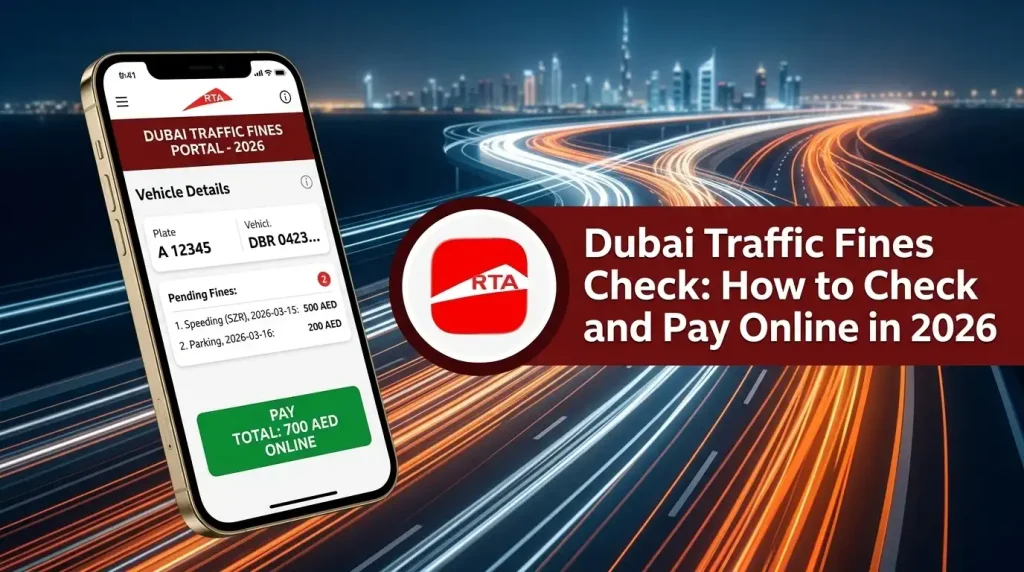
Common Dubai Traffic Fines: Quick Reference
| Violation Type | Approximate Fine (AED) | Black Points |
| Minor speeding (up to ~20 km/h over) | 300 – 600 | 0 – 4 |
| Mobile phone use while driving | 800 | 4 |
| Running a red light | 1,000 | 12 |
| Reckless or dangerous driving | 2,000 | 23 |
| Illegal parking / expired session | 150 | 0 |
These figures move with policy updates, so always confirm the exact amount shown on your own fine inquiry rather than relying on a general guide.
How to Pay After Your Check
- Online: Pay directly on the RTA site, Dubai Police portal, or RTA Dubai/DubaiNow app using a debit or credit card.
- Bank instalments: For larger balances, several UAE banks offer instalment plans through RTA partnerships. If you want to confirm funds before committing, our FAB Balance Check guide is a quick way to check your account first.
- Smart Kiosks: Pay by card in person and print a receipt immediately.
- Customer Happiness Centres: Useful for fines that need documentation or a dispute.
If your fines relate to a NOL card or public transport violation rather than a vehicle, our NOL Card Balance Check guide helps you keep your card topped up so you avoid accidental fare fines in the first place. For general money-management tools relevant to UAE residents, browse our Finance section.
Early Payment Discounts
Dubai periodically runs discount campaigns, commonly around 35 percent, for fines paid within 60 days of the violation date. Serious offences such as major speeding, red light violations, and driving under the influence are usually excluded. Since these campaigns change, confirm the current offer on the RTA or Dubai Police platform before paying.
If your vehicle also needs servicing before a registration renewal inspection, our Automotive section has practical guides on maintenance and service centres across the UAE.
FAQs
How can I check my traffic fines in Dubai?
Use the RTA website or UMS portal, the Dubai Police website or app, the MOI website, or Emirates Vehicle Gate. Search using your plate number, Emirates ID, driving licence, or traffic file number.
How do I check Dubai traffic fines online for free?
The inquiry itself is always free across every official platform. You only pay when you choose to settle a fine.
How can I check Dubai traffic fine details, including black points?
Search using your Emirates ID or plate number on the RTA or Dubai Police portal. The results page shows violation type, date, location, fine amount, and any black points attached.
How do I check paid traffic fines in Dubai?
Log in to the RTA website or app and check the payment or transaction history section, where settled fines and receipts are stored.
Can I check Dubai traffic fines by plate number without an Emirates ID?
Yes. Both the RTA and Dubai Police platforms allow a basic inquiry using only the vehicle plate number.
Is there a Dubai traffic fines checking website that covers all emirates at once?
Emirates Vehicle Gate consolidates fines from across the UAE, which is useful if you drive between Dubai and other emirates.
What happens if I don’t pay after checking my Dubai traffic fines?
Fines remain on your record, black points stay active, and vehicle registration or licence renewal can be blocked until everything outstanding is cleared.
Can tourists and rental car drivers check Dubai traffic fines?
Yes. Rental car violations are typically billed back through the rental company, but you can check the status directly using the plate number on the RTA or Dubai Police site.
Final Thoughts
A Dubai traffic fines check no longer requires a station visit or a long call queue. Between the RTA website, the Dubai Police portal, and the MOI service, you have several free, official ways to confirm exactly what you owe by plate number, Emirates ID, or driving licence within minutes. Make it a habit before renewing your registration or licence, and if you want the deeper detail on disputes, instalment plans, and the black points system, our RTA Fine Check guide is the next stop.