


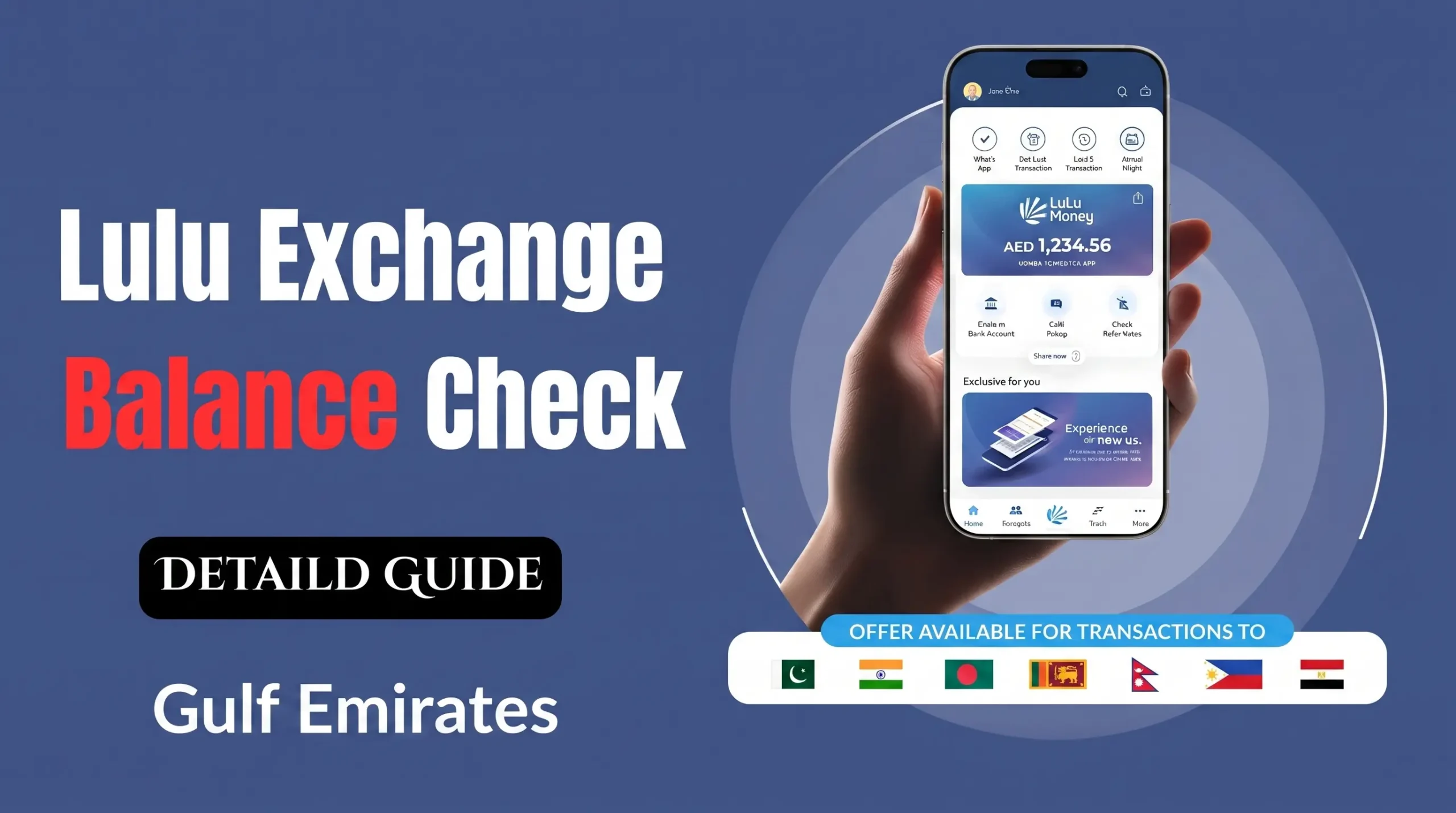
Lulu Balance Check: 8 Official Ways to Check Your Balance in the UAE
Checking your Lulu balance is something a lot of people in the UAE do regularly, and it makes sense. Millions of residents use Lulu Exchange for salary cards, sending money home, and Lulu Hypermarket gift cards. Knowing how much you have helps you avoid declined payments, check that your salary has arrived, and keep your monthly spending in order.
In this guide, I’ll walk you through every official way to check your Lulu balance: the Lulu Money app, the Lulu Exchange website, SMS, ATMs, and visiting a branch. I’ll also explain how a Lulu salary card, a Lulu Exchange remittance account, and a Lulu Hypermarket gift card are different from each other, because each one works a little differently. All the methods here match what Lulu Exchange currently offers. I’ve also added fixes for common problems and some safety tips that most other guides leave out.
What Is a Lulu Balance Check?
A Lulu balance check refers to viewing the available funds on any Lulu-branded financial product in the UAE. This includes:
- Lulu Exchange salary cards (officially branded “My Pay My Card”), issued to employees under the UAE’s Wage Protection System (WPS)
- Lulu Exchange prepaid and remittance accounts, used for international money transfers and currency exchange
- Lulu Hypermarket gift cards and shopping vouchers, used for retail purchases in store or online
Because these are three distinct products with separate balance systems, the correct balance check method depends on which type of card or account you hold. We cover all three below.
About Lulu Exchange and Lulu Group
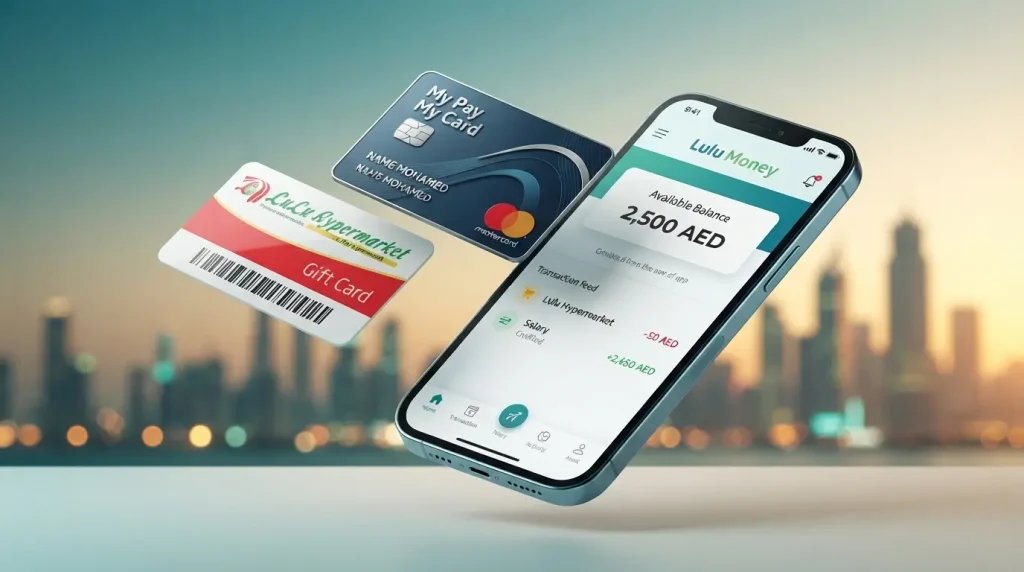
Lulu Exchange is one of the best-known money exchange and transfer companies in the UAE, and it has been around for decades across the Gulf. People mostly use it to change foreign currency and to send money home to countries like India, Pakistan, Bangladesh, Nepal, Sri Lanka and the Philippines. It also runs a salary payment service called My Pay My Card, which follows the UAE’s WPS rules and is used by more than 400,000 employees and 30,000 companies.
Lulu Exchange has over 140 branches in all seven emirates, with the most in Dubai, Abu Dhabi, Sharjah and Ajman. Lulu Hypermarket is a separate shopping arm of the same group, Lulu Group International. It has its own gift cards and shopping vouchers that you can use in stores and online.
If your salary comes on a Lulu card that was issued together with a bank like First Abu Dhabi Bank, you may need to check your balance through that bank’s website instead. Our guide to the FAB Balance Check explains how Lulu FAB salary cards work on FAB’s Prepaid Card Inquiry portal.
8 Official Methods for Lulu Balance Check in the UAE
Below are the eight verified ways to check your Lulu balance, ranked roughly from fastest to slowest depending on the type of card you hold.
1. Lulu Money App (Fastest Method)
The Lulu Money app is the recommended method for a Lulu balance check online, especially for salary cardholders. It works on both iOS and Android and displays your balance within seconds of logging in.
Steps:
- Download the Lulu Money app from the Google Play Store or Apple App Store.
- Register or log in using your registered UAE mobile number.
- Verify your identity with an OTP or your secure app PIN.
- From the home screen, select “My Cards” or “LuLu Money Cards.”
- Tap your salary card or wallet to view the available balance.
- Select “Track” from the dashboard to review recent transactions, salary credits, and remittance charges.
Why it stands out: The app also lets you send money internationally, block a lost card, reset your PIN, and set transaction limits, all without visiting a branch.
2. Lulu Exchange Online Portal
If you prefer a desktop or browser-based experience, the Lulu Exchange website offers a Wage Salary Administration portal for salary card and payroll customers.
Steps:
- Visit the official Lulu Exchange website and navigate to the Wage Salary Administrator section.
- Log in using your registered credentials.
- Select “My Cards” or “Account” to view your available balance.
- Review your recent transaction history or download a statement if needed.
This method works well for reviewing longer transaction histories, though most cardholders find the mobile app faster for a quick check.
3. Lulu Balance Check by SMS
SMS is a reliable offline option when you do not have data or a smartphone available.
Steps:
- Open the messaging app on your registered mobile number.
- Type BAL followed by a space and your card number or Emirates ID number (for example: BAL 1234567890).
- Send the message to 51199.
- Wait a few moments for an automated reply showing your available balance.
Standard SMS charges from your telecom provider (Etisalat by e& or du) may apply. This method is popular among workers who use basic mobile phones without internet access.

4. Lulu ATM Balance Check
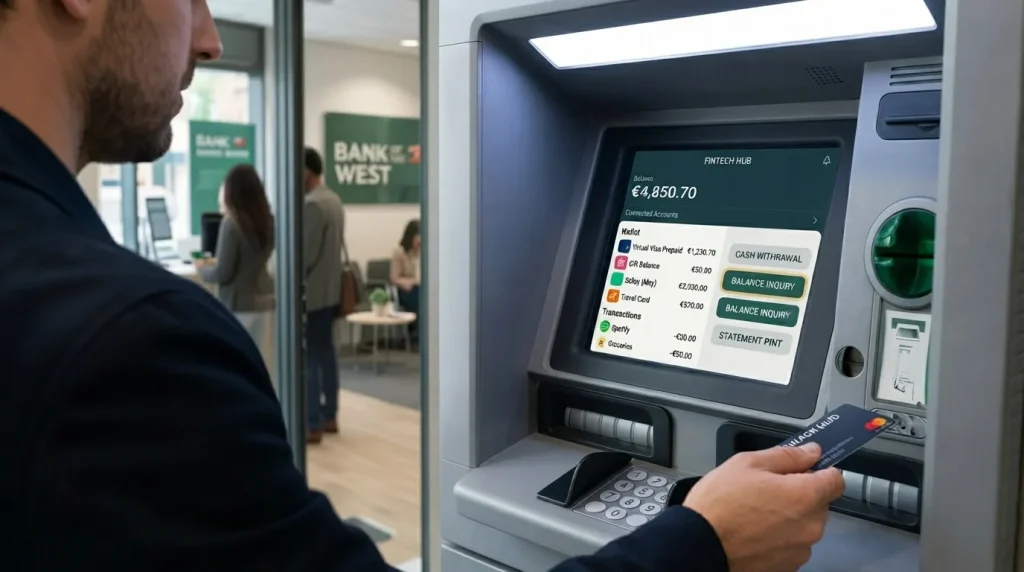
A Lulu ATM balance check takes under a minute and works at Lulu-affiliated ATMs as well as ATMs on the UAE Switch network, including select FAB, Emirates NBD, and Mashreq machines.
Steps:
- Insert your Lulu salary or prepaid card into a supported ATM.
- Enter your 4-digit PIN.
- Select “Balance Inquiry” from the on-screen menu.
- View your balance on-screen or print a receipt for your records.
- Remove your card once the transaction ends.
Using a Lulu-branded or partner ATM is usually free, while some non-affiliated ATMs may apply a small inquiry fee. If you also use a NOL travel card alongside your salary card, our guide on NOL Card Balance Check explains how to check your transport balance the same way.
5. Lulu Exchange Branch or Customer Service Desk
Visiting a branch remains the most reliable option if you have forgotten your PIN, changed your registered mobile number, or are experiencing app or SMS issues.
Steps:
- Locate your nearest Lulu Exchange branch using the official branch locator on luluexchange.com.
- Bring your Lulu card and a valid Emirates ID.
- Ask the counter staff for a balance inquiry.
- The staff member will swipe or verify your card and confirm your available balance.
- Request a printed mini statement if you need a physical record.
This method is especially useful for elderly users, first-time cardholders, or anyone resolving a card-related issue in person.
6. Lulu Balance Check by Phone (Customer Care)
If you cannot access the app, website, or a branch, you can call Lulu Exchange customer care directly.
Steps:
- Call the Lulu Exchange customer service hotline at 600 522 204 (available 24 hours).
- Provide your registered mobile number or card details when prompted.
- Select the balance inquiry option or ask the representative directly.
- The agent will confirm your available balance after verifying your identity.
You can also reach the team via WhatsApp at +971 600 522 204 or by email at customercare@ae.luluexchange.com for non-urgent queries.
7. Lulu Salary Card Balance Check (WPS / My Pay My Card)
The Lulu salary card, officially called My Pay My Card, is issued under the UAE’s Wage Protection System, a Central Bank and Ministry of Human Resources and Emiratisation (MOHRE) initiative that ensures salaries are paid electronically and on time.
To perform a Lulu salary card balance check online:
- Open the Lulu Money app, log in, and select your salary card under “My Cards.”
- Or use the SMS method by sending BAL and your card number to 51199.
- Or check your balance at any compatible ATM using your 4-digit PIN.
If your employer pays salaries below AED 5,000 per month, your card may fall under a Ratibi-style low-cost payroll arrangement. For a full breakdown of Ratibi cards issued by other UAE providers, see our guide on Ratibi Card Salary Check.
8. Lulu FAB Salary Card Balance Check Online (Partner Bank Cards)
Some Lulu-branded salary cards are issued in partnership with First Abu Dhabi Bank rather than directly through Lulu Exchange’s Mercury-powered card system. If your card carries the FAB logo alongside the Lulu branding, use FAB’s dedicated Prepaid Card Inquiry portal instead of the Lulu Money app.
Steps:
- Visit FAB’s Prepaid Card Inquiry portal.
- Enter your 16-digit card number and the CVV printed on the back.
- Complete the CAPTCHA verification.
- View your available balance and recent transactions.
No registration is required. For the complete walkthrough of this process, including troubleshooting for FAB-issued Ratibi and prepaid cards, read our full FAB Balance Check guide. If you previously held an account with National Bank of Abu Dhabi before its merger into FAB, our NBAD Balance Inquiry article explains how those legacy accounts now work.
Comparison Table: Lulu Balance Check Methods
| Method | Best For | Speed | Requires Internet | Registration Needed |
| Lulu Money App | Daily users, salary cardholders | Instant | Yes | Yes |
| Lulu Exchange Online Portal | Detailed statements, payroll customers | Instant | Yes | Yes |
| SMS Balance Check | Basic phone users | Few seconds | No | No |
| ATM Balance Inquiry | Cash withdrawal combined | 30 seconds | No | No |
| Branch Visit | PIN resets, card issues | 5 to 10 minutes | No | No |
| Customer Care Call | Urgent or complex queries | 2 to 5 minutes | No | No |
| FAB Prepaid Card Portal (Lulu FAB cards) | Partner bank salary cards | 20 seconds | Yes | No |
Lulu International Exchange Balance Check
If you use Lulu Exchange primarily for international money transfers rather than a salary card, your balance check relates to your remittance or wallet account rather than a physical card. The Lulu international exchange balance check process works the same way through the Lulu Money app: log in, select your wallet or linked account, and view your available balance alongside your transaction and remittance history. This is especially useful before sending money abroad, since it confirms you have sufficient funds before the transfer is processed.
Lulu Gift Card and Prepaid Card Balance Check
Lulu Hypermarket gift cards and shopping vouchers have nothing to do with Lulu Exchange salary or remittance products. They come with a fixed amount already loaded, usually anywhere from AED 50 to AED 5,000. People often get them during festivals, at company events, or as part of store promotions.
Here’s how to check what’s left on your Lulu Hypermarket gift card:
- Go to the customer service desk at any Lulu Hypermarket and show your card.
- Look at your last shopping receipt. It usually prints the remaining balance after each purchase.
- Ask the cashier to swipe your card before you pay, so you can see how much is on it.
Most Lulu gift cards are valid for 12 months from the day you buy or activate them. The exact date is printed in the terms on the card. If you don’t use the money before it expires, you will usually lose it, so try to spend it in time.
Common Lulu Balance Check Problems and How to Fix Them
Most competitor guides only list the steps and skip what happens when something goes wrong. Here are the issues UAE users report most often.
SMS balance check not responding
Confirm your mobile number is registered with Lulu Exchange and that you typed the card number correctly without spaces or dashes. Network congestion can occasionally delay the automated reply by a few minutes.
App shows an error or will not load your balance
Update the Lulu Money app to the latest version, clear the app cache, or reinstall it. Confirm you have a stable internet connection and that your card has not expired.
ATM does not recognize the card
Not every ATM supports every card type. Try a different Lulu-affiliated or UAE Switch network ATM, and make sure the card’s magnetic strip or chip is not damaged.
Balance appears lower than expected
This is usually explained by withdrawal fees, POS purchases, remittance charges, or a pending transaction that has not yet been posted. Wait 10 to 15 minutes and check again before assuming an error.
Forgot PIN or registered mobile number changed
Visit any Lulu Exchange branch with your Emirates ID to reset your PIN or update your registered mobile number. This cannot always be resolved through the app alone for security reasons.
Security Tips for Lulu Balance Check Online
Because a Lulu bank balance check involves sensitive financial information, follow these safety practices at all times:
- Download the Lulu Money app only from the official Apple App Store or Google Play Store.
- Never click balance check links sent through unsolicited SMS or email.
- Lulu Exchange staff will never ask for your PIN, password, or OTP over the phone.
- Enable biometric login and transaction alerts inside the app.
- Log out of the online portal after every session, especially on shared devices.
- Report suspicious activity to Lulu Exchange customer care immediately.
The UAE Central Bank also publishes consumer protection guidance covering safe digital banking practices and how to report financial fraud. You can review this guidance on the Central Bank of the UAE website.
Lulu Customer Care Contact Numbers
Keep these details saved in case you need help with a balance discrepancy or card issue.
| Service | Contact |
| Lulu Exchange Customer Care (UAE) | 600 522 204 |
| WhatsApp Banking Support | +971 600 522 204 |
| Email Support | customercare@ae.luluexchange.com |
| SMS Balance Check Number | 51199 |
For general UAE finance guides, including bank and prepaid card balance checks, browse our full Finance section, or see our Prepaid Card Inquiry UAE guide for a comparison of prepaid card systems across multiple providers.
Which Lulu Balance Check Method Should You Use?
Pick the method that suits your card and the way you usually do things.
- If you have a salary card and check it often: Use the Lulu Money app. It’s the quickest way, and it also shows your transactions.
- If you have a basic phone with no internet: Send an SMS to 51199. It’s simple and works without data.
- If you take out cash: Check your balance at the same time when you withdraw money from any ATM that accepts your card.
- If you have a Lulu FAB salary card: Use FAB’s Prepaid Card Inquiry website instead of the Lulu Money app.
- If you have a gift card or voucher: Ask at the customer service counter in Lulu Hypermarket, or look at your last receipt.
- If something is wrong with your card: Go to the nearest Lulu Exchange branch with your Emirates ID and they’ll help you in person.
Final Thoughts on Lulu Balance Check
Checking your Lulu balance in the UAE is easy now, because Lulu Exchange gives you several ways to do it: the Lulu Money app, the website, SMS, ATMs, and branch help. If your salary comes through the Wage Protection System, the mobile app is the best choice since it shows your balance and transactions in real time. If you have a gift card, your receipt or a quick check in the store will do the job.
Whatever method you use, stick to official Lulu channels and never share your PIN or OTP with anyone. It’s also a good idea to check your balance often, so you can spot a late salary or a payment you didn’t make before it becomes a problem. Save this guide so you have it handy the next time you need to check.
FAQ Section
How do I do a Lulu balance check online for free?
All standard methods are free, including the Lulu Money app, the online portal, ATM inquiries at affiliated machines, and the SMS service (though standard SMS charges from your telecom provider may apply).
What is the Lulu balance check SMS number?
Send BAL followed by your card number or Emirates ID number to 51199 from your registered mobile number to receive your balance by SMS.
How can I check my Lulu salary card balance without the app?
You can check your balance via SMS to 51199, at any compatible ATM using your PIN, by calling Lulu Exchange customer care at 600 522 204, or by visiting any Lulu Exchange branch with your Emirates ID.
Is Lulu balance check available 24/7?
The Lulu Money app, SMS service, and ATM balance inquiry are available 24 hours a day. Branch visits and phone support may follow standard business hours at some locations, though the customer care hotline operates continuously.
Can I check my Lulu FAB salary card balance online?
Yes. If your Lulu-branded salary card is issued in partnership with First Abu Dhabi Bank, use FAB’s Prepaid Card Inquiry portal by entering your 16-digit card number and CVV rather than the standard Lulu Money app.
What should I do if my Lulu balance looks incorrect?
First, wait 10 to 15 minutes and refresh, since some transactions take time to post. If the balance is still wrong, contact Lulu Exchange customer care at 600 522 204 to raise a formal query.
Do Lulu Hypermarket gift cards expire?
Most Lulu gift cards are valid for 12 months from the date of purchase or activation. Always check the expiry terms printed on the physical card or included in the e-gift card confirmation.
Can I check my Lulu balance from outside the UAE?
Yes. The Lulu Money app works internationally with an internet connection, and you can also reach customer care through WhatsApp at +971 600 522 204 while abroad.
Do I need an Emirates ID to check my Lulu balance?
No, a routine balance check through the app, SMS, or ATM does not require your Emirates ID. However, you will need it for app registration, PIN resets, or in-branch assistance.
What is the difference between a Lulu salary card and a Lulu gift card?
A Lulu salary card, officially called My Pay My Card, is a WPS-compliant payroll card used to receive monthly wages. A Lulu gift card is a separate prepaid retail product loaded with a fixed amount for shopping at Lulu Hypermarket and does not relate to payroll or the Wage Protection System.